
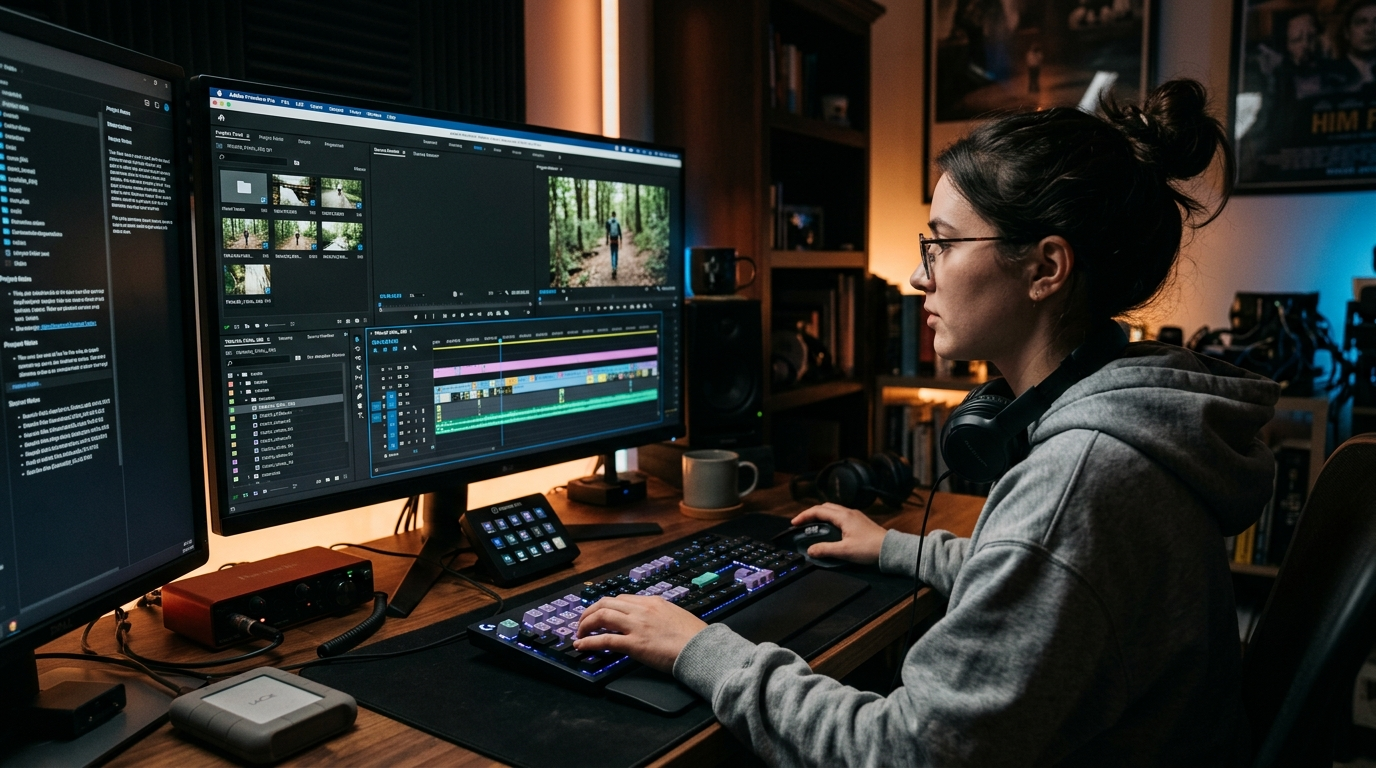
If you’ve ever dreamed of creating polished videos with perfect captions without spending hours typing, then Premiere Pro Auto Captions are your new best friend.
Simply put, Premiere Pro’s auto captions feature uses advanced AI-powered speech-to-text technology to automatically generate accurate subtitles for your videos.
From YouTube tutorials to Instagram reels, auto captions save you time, boost accessibility, and enhance engagement across social platforms.
In this guide, we’ll dive deep into everything you need to know about Premiere Pro auto captions—from creating them to optimizing your captions for social media impact.
What Are Premiere Pro Auto Captions?
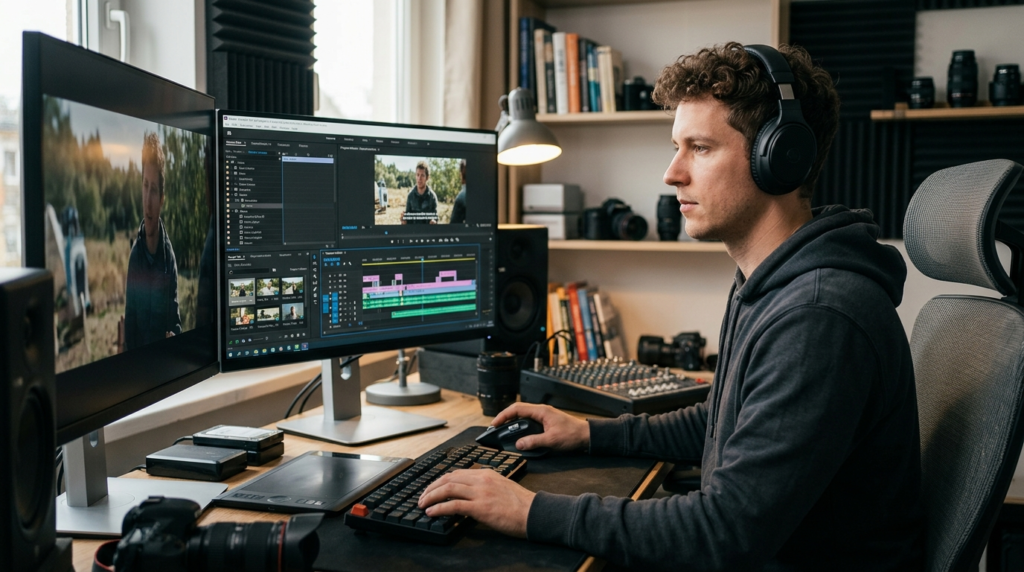
Premiere Pro auto captions are automatically generated subtitles that transcribe spoken audio in your videos into readable text. Powered by Adobe Sensei AI, they recognize speech patterns, punctuation, and timing to create captions that sync perfectly with your content.
Why it matters: Captions aren’t just for accessibility—they increase watch time, keep viewers engaged, and help your content perform better on social platforms. 💡
Why Auto Captions Are a Game-Changer
-
Saves Time: No more manual transcription.
-
Boosts Engagement: Videos with captions are watched 80% longer on average.
-
Improves Accessibility: Makes your content available to a wider audience, including the hearing-impaired.
-
SEO Benefits: Text is indexable for search engines, helping your content get discovered.
How to Enable Auto Captions in Premiere Pro
-
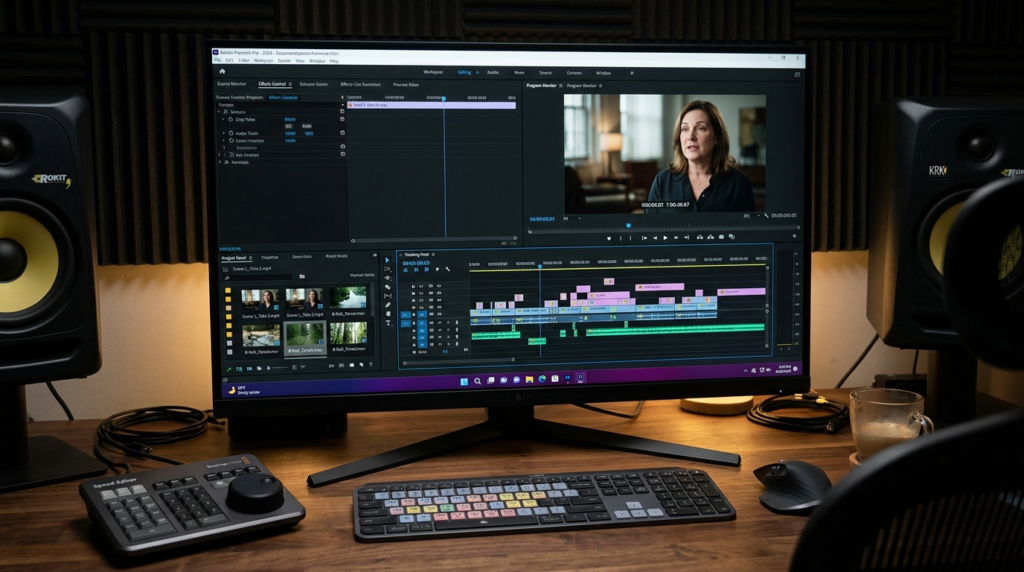
Open your project and select your sequence.
-
Go to the Text Panel → Captions → Create New Caption Track.
-
Choose Auto Captions and select the language.
-
Click Create and watch Adobe’s AI transcribe your audio.
-
Edit and adjust timing as needed.
Pro tip: Always review auto captions for accuracy, especially names, slang, or technical terms. ✅
Editing and Customizing Your Auto Captions
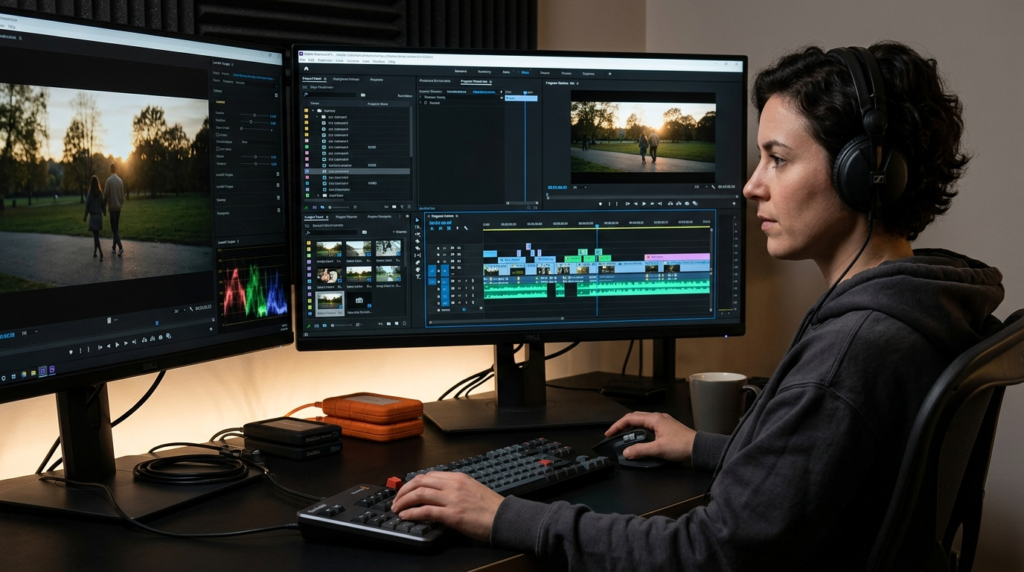
Premiere Pro allows you to:
-
Change font, size, and color.
-
Adjust caption placement for readability.
-
Split or merge captions to improve timing.
-
Add animation or fade effects for visual flair.
💡 Tip: Keep captions short and punchy for social media readability—aim for 2 lines per caption maximum.
Best Practices for Premiere Pro Captions
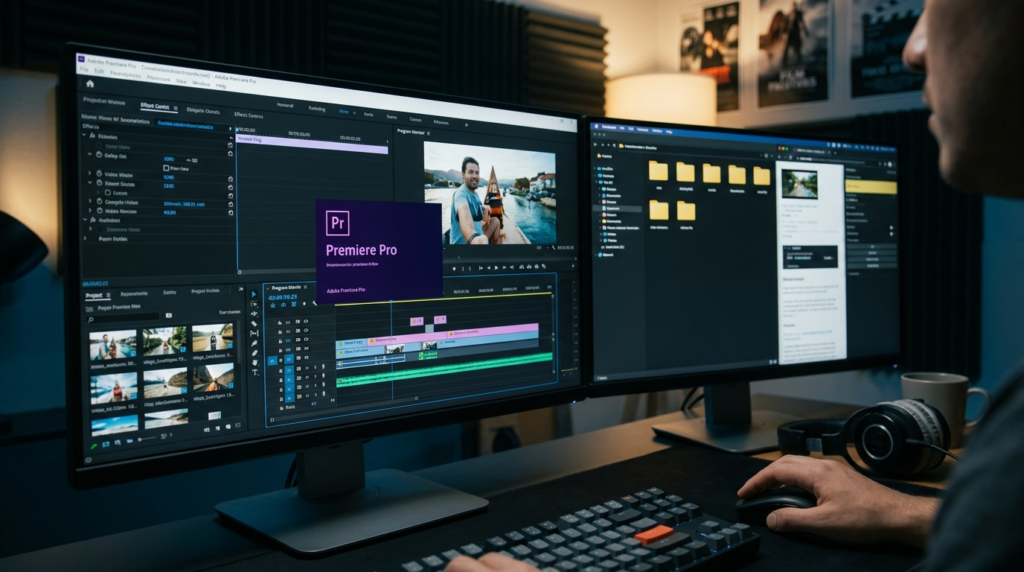
-
Use clear, concise language.
-
Include emojis sparingly to convey emotion.
-
Sync captions with key video moments for maximum engagement.
-
Avoid cluttered fonts—sans-serif works best.
-
Always include keywords naturally for SEO, like “Premiere Pro auto captions.”
Short Captions for Quick Engagement ✨
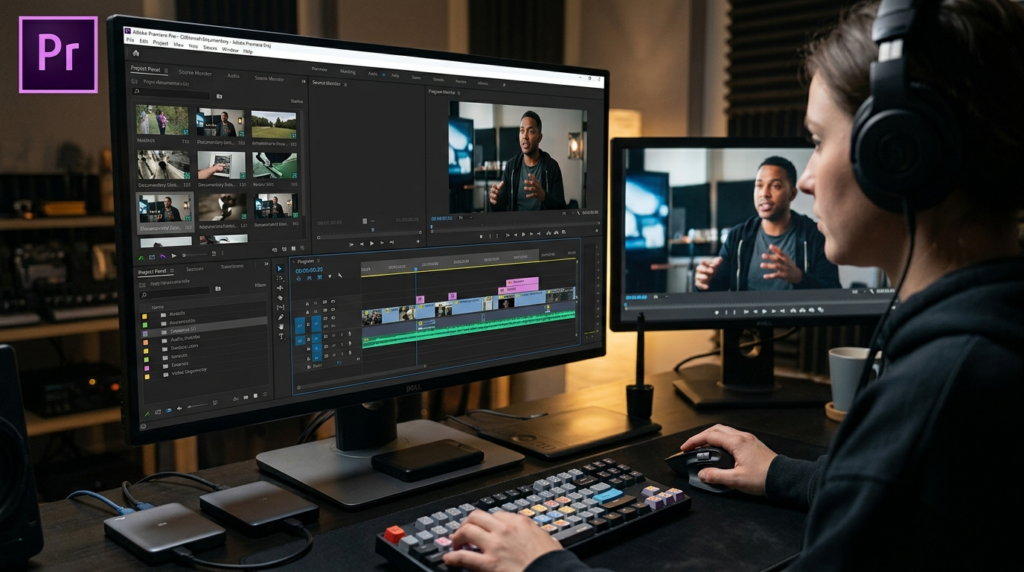
Perfect for Instagram Reels, TikTok, or YouTube Shorts:
-
“Less talk, more magic ✨”
-
“Captions that slay 💁♀️”
-
“Mood: On point 😎”
-
“Vibes only 💖”
-
“Auto magic at work 🎬”
-
“Short but sweet 💌”
-
“Hit play, feel this 🌟”
-
“Captions > typing 💻”
-
“Watch till the end 👀”
-
“Eyes here, please 👁️”
-
“Sparkle mode: ON ✨”
-
“Quietly iconic 😏”
-
“Let captions do the talking 🗣️”
-
“Time-saving queen 👑”
-
“Your feed just got better 📲”
-
“Visual vibes only 🎨”
-
“Auto-captioned perfection 💕”
-
“Swipe up for magic ➡️”
-
“Less effort, more wow 😍”
-
“Catch the moment 🎥”
Funny Captions to Make Your Audience Smile 😂
-
“Oops, I auto-captioned it 🤭”
-
“Talk less, meme more 😂”
-
“I came, I saw, I captioned 😎”
-
“Video speaks, captions gossip 🗨️”
-
“Accidentally hilarious 🤣”
-
“Premiere Pro knows me too well 😅”
-
“Can you read my mind? Captioned ✅”
-
“Warning: Sarcasm ahead ⚠️”
-
“Life’s better with subtitles 😏”
-
“Auto-captions saving my social life 💃”
-
“LOL included at no extra cost 😂”
-
“My captions are funnier than me 🤪”
-
“Caption this… literally 📝”
-
“Talking is overrated 🤫”
-
“Cue the emojis 🎭”
-
“Spill the tea in text 🫖”
-
“Who needs speech when you have text? 😎”
-
“Automatically funny 🤣”
-
“Subtitles > small talk ✨”
-
“Insert dramatic pause here 😌”
Deep Captions for Emotional Resonance 💌
-
“Even silence speaks volumes 💖”
-
“Moments we never forget 🌙”
-
“Love is in the details ❤️”
-
“Capturing feelings, one frame at a time 🎬”
-
“Your voice, my favorite sound 🎵”
-
“Memories are the new treasures 🕊️”
-
“Emotion over perfection 💌”
-
“When words aren’t enough… captions speak 📝”
-
“Every laugh deserves a caption 😄”
-
“Heartfelt moments, auto-captioned 💖”
-
“Vulnerable and beautiful 🌸”
-
“Life in lines of text ✨”
-
“Whispers of love captured 💕”
-
“Deep feels, shallow scroll 🌊”
-
“Speak softly, caption loudly 🗨️”
-
“From my heart to your feed 💌”
-
“Emotion is contagious 💞”
-
“Subtlety speaks the loudest 🎵”
-
“Love, loss, laughter, life 🌈”
-
“Capturing the soul, not just words 🌟”
Cute Captions for Everyday Charm 🐾‘
-
“Sweet like sugar 🍭”
-
“Smiles all around 😄”
-
“Life’s cuter with captions 💖”
-
“Tiny moments, big joy ✨”
-
“Sassy & classy 💅”
-
“Sunshine in text 🌞”
-
“Happiness is homemade 🏡”
-
“Paws, play, repeat 🐾”
-
“Cuteness overload 💕”
-
“Heart eyes activated 😍”
-
“Joy in small packages 🎁”
-
“Sprinkle smiles everywhere ✨”
-
“Captions for cozy vibes 🛋️”
-
“Sweet as honey 🍯”
-
“Smiles over everything 😄”
-
“Cute chaos incoming 😇”
-
“Fluffy feelings 🐑”
-
“Sugar, spice, and captions 🎀”
-
“Life’s too short for boring text 💌”
-
“Chase dreams, add captions 🌟”
One-Word Captions That Speak Volumes‘
-
“Magic ✨”
-
“Love ❤️”
-
“Vibes 🌈”
-
“Glow 🌟”
-
“Forever 💞”
-
“Chill ❄️”
-
“Hustle 💪”
-
“Joy 😄”
-
“Dream 🌙”
-
“Spark ⚡”
-
“Mood 😎”
-
“Peace ✌️”
-
“Bliss 🌸”
-
“Queen 👑”
-
“Epic 🎬”
-
“Fun 🎉”
-
“Chic 💅”
-
“Soul 💖”
-
“Wild 🐾”
-
“Cheers 🥂”
Romantic Captions for Couples ❤️
-
“Forever starts with us 💑”
-
“My soulmate, auto-captioned 💖”
-
“Love louder than words ❤️”
-
“Together feels like home 🏡”
-
“Every moment, every heartbeat 💞”
-
“You, me, forever 🌹”
-
“In your arms, my favorite place 💌”
-
“Love that speaks for itself 💖”
-
“Heart + soul = us ❤️”
-
“Captions can’t capture this feeling 💌”
-
“Side by side, always 💑”
-
“Your laughter, my melody 🎵”
-
“Endless love, endless captions 💖”
-
“You had me at hello 😘”
-
“Holding hands, capturing hearts 💕”
-
“Our love story in text ✨”
-
“Moments with you = magic 🌟”
-
“Eternal flame 🔥”
-
“Love in every frame 💖”
-
“Tag your partner ❤️”
Seasonal & Occasion-Based Captions 🌸🎄
Spring: “Bloom where you’re planted 🌸”
Summer: “Sun, sand, captions 🏖️”
Autumn: “Falling for vibes 🍁”
Winter: “Cozy captions and cocoa ☕”
Birthday: “Cheers to me 🥂”
Anniversary: “Another year, more love 💖”
Christmas: “Fa la la fabulous 🎄”
New Year: “Fresh captions, fresh start 🎉”
Halloween: “Spooky and stylish 👻”
Valentine’s Day: “Love, laughter, captions 💌”
Graduation: “Caps off, text on 🎓”
Wedding: “Happily ever after 💍”
Niche Captions for Every Vibe
-
Travel: “Wanderlust in words 🌍”
-
Foodie: “Tasting life, captioning it 🍕”
-
Fitness: “Strong, fierce, captioned 💪”
-
Fashion: “OOTD + captions 💃”
-
Pet Lovers: “Paw-some moments 🐾”
-
Music: “Lyrics in action 🎶”
-
DIY: “Crafted captions ✨”
-
Tech: “Geek chic 💻”
Platform-Specific Captions: Instagram, TikTok, Facebook
-
Instagram: Short, witty, hashtag-rich
-
TikTok: Funny, trending, relatable
-
Facebook: Longer, emotional, shareable
-
Always include CTAs like “Save this for later” or “Comment your favorite moment 💌”
Caption-Writing Psychology & Emotional Impact
Humans respond to emotion, relatability, and authenticity. Captions that evoke joy, nostalgia, love, or humor trigger dopamine, keeping audiences engaged. Use questions, puns, and emojis to enhance connection.
Proven Caption Frameworks for Engagement
-
Hook → Story → CTA
-
Emoji → Text → Emoji
-
Question → Relatable statement → Hashtag
-
One-liner → Pun → CTA
-
Emotional → Informational → Share CTA
Engagement Strategy Insights for Social Growth 🚀
-
Post consistently with auto captions for accessibility.
-
Leverage trending hashtags + niche hashtags.
-
Encourage audience participation with tag & comment CTAs.
-
Cross-post video content with captions to maximize reach.
-
Monitor analytics to see which captions drive saves, shares, and comments.
Brand New Caption Ideas
- “Finally nailed auto captions in Premiere Pro 2026 🔥 Game changer!”
- “Premiere Pro Auto Captions just saved me 5 hours this week ⚡”
- “2026 editing hack: Premiere Pro Auto Captions = perfection in seconds ✨”
- “Who else is obsessed with Premiere Pro’s new auto captions? 🎥”
- “Turned messy footage into pro content thanks to Premiere Pro Auto Captions 2026 💎”
- “Auto captions so good, even my clients noticed 😍 Premiere Pro 2026”
- “Stop manual subtitling forever. Premiere Pro Auto Captions 2026 is elite 🚀”
- “Viral video formula: Premiere Pro + Auto Captions 2026 = magic”
- “Just dropped my best edit yet using Premiere Pro Auto Captions 🔥 Who’s trying?”
- “2026 creators know: Premiere Pro Auto Captions is the ultimate time-saver ⏱️”
Common Mistakes to Avoid in Caption Writing ❌
-
Overloading captions with emojis.
-
Using vague or generic text.
-
Ignoring timing and syncing with video.
-
Forgetting accessibility best practices.
-
Not proofreading auto captions for accuracy.
Relevant Hashtags for Maximum Reach #️⃣
#PremierePro #AutoCaptions #VideoEditing #SocialMediaTips #ContentCreator #InstagramReels #YouTubeShorts #TikTokVideo #CaptionQueen #VideoMarketing #EmotionalContent #RelationshipGoals #LoveAndLife #CreativeVibes #InstaGood
FAQ
Q1: What are Premiere Pro auto captions?
A: AI-powered subtitles that automatically transcribe spoken words into text.
Q2: Are auto captions accurate?
A: Mostly yes, but review for slang, names, or technical terms.
Q3: Can I edit captions after auto-generation?
A: Absolutely! You can change timing, font, color, and wording.
Q4: Which platforms benefit most from auto captions?
A: Instagram, TikTok, YouTube, Facebook—any video platform.
Q5: Do captions help engagement?
A: Yes! Videos with captions increase watch time and shareability.
Q6: Can I use emojis in captions?
A: Yes, but keep them balanced to enhance readability.
Q7: How do I export captions with my video?
A: Use File → Export → Media → Captions in Premiere Pro.
Q8: Are auto captions SEO-friendly?
A: Definitely. Search engines index captions, improving discoverability.
Q9: Can I add multiple languages?
A: Yes, Premiere Pro supports multi-language caption tracks.
Q10: What’s the best caption length?
A: 2 lines per caption for optimal readability on social media.
Conclusion 💖
Whether you’re a content creator, lifestyle blogger, or business marketer, Premiere Pro auto captions are a must-have tool to elevate your video game.
From boosting engagement to creating emotional resonance, captions let your audience connect with your story no typing required.
Remember: mix humor, emotion, and authenticity. Use emojis sparingly, optimize for your platform, and don’t forget to tag, comment, and share for maximum impact.
Your videos deserve to be seen, heard, and felt—and with auto captions, you’re giving your content the glow-up it deserves. 🌟
Start captioning today and watch your content thrive like never before! ✨

Grayson Hale is a passionate writer who transforms everyday thoughts into meaningful words. His work focuses on emotions, life experiences, and modern perspectives that connect deeply with readers.